
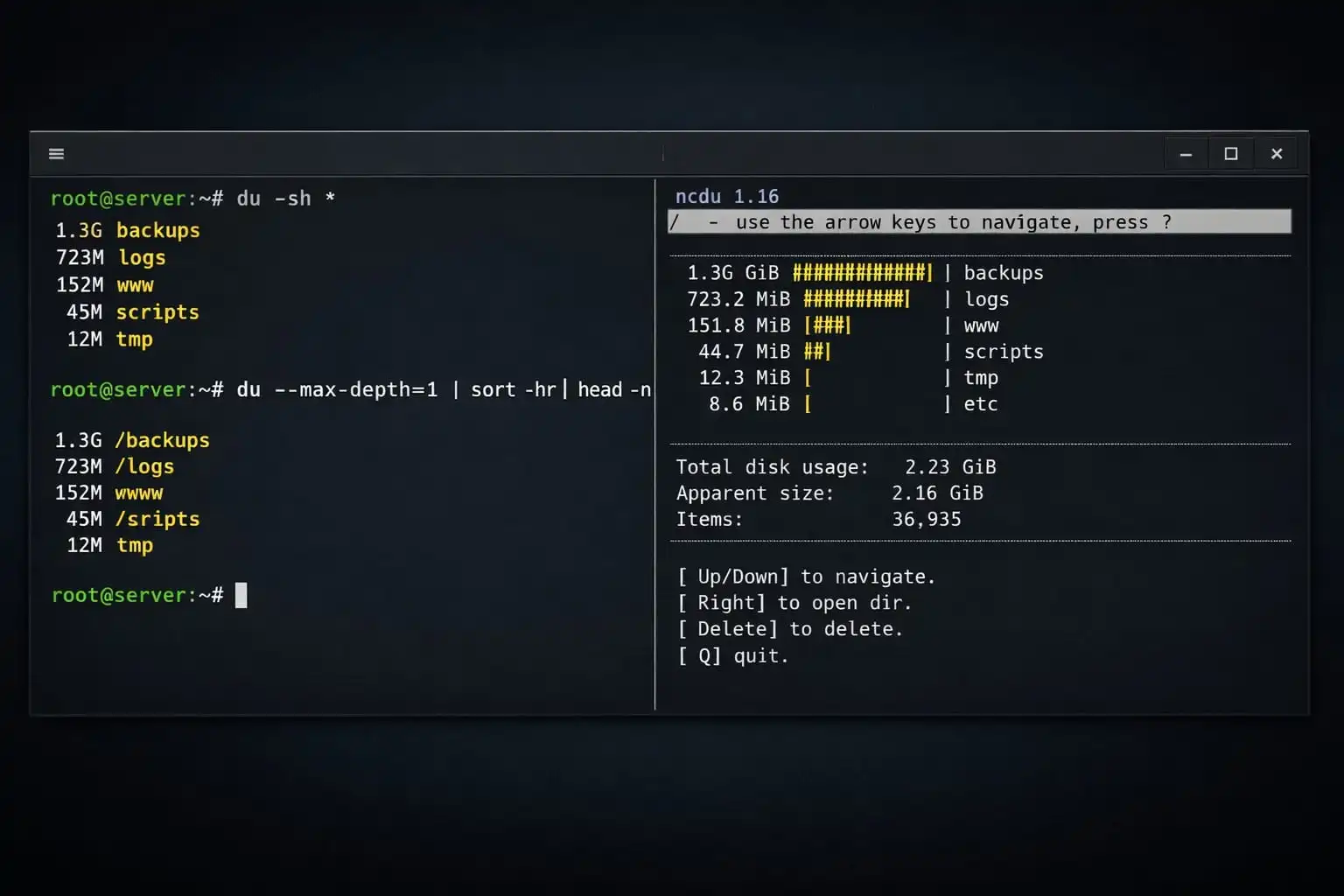
When a Linux filesystem is filling up, start by finding which directories account for the space. df reports filesystem usage; du estimates space used by files reachable from a path. Their totals can differ when files are deleted but still held open by a process, or when mount boundaries differ.
Get a one-level summary
For GNU coreutils, this command summarizes immediate entries under /var:
sudo du -xhd1 /var-x stays on the same filesystem, -h uses readable units and -d1 limits the depth. Check your system's du implementation if an option is unavailable; BSD and BusyBox variants can differ.
Explore a large branch interactively
ncdu can make a large tree easier to inspect by sorting entries by size. Install it from your distribution's trusted repository if it is not present, and choose the exact starting path. Scanning a broad directory can take time and generate disk activity, so avoid launching repeated scans on a busy server.
Permission-denied messages mean the scan may be incomplete. Use elevated access only when needed, and be careful not to expose names or paths from sensitive directories in shared output. Review the target path before using any cleanup command: identifying a large directory is not the same as deciding it is safe to delete.
When df and du disagree
Check for deleted files still open by a process, filesystem snapshots, reserved blocks and mounted filesystems. A process may need a controlled restart or log rotation to release an open deleted file; do not kill it blindly. Also inspect inode usage if the filesystem reports no free inodes despite available bytes.
Once you identify the owner and purpose of the large files, decide whether to rotate, archive or remove them under the application's retention policy. Keep enough free space for logs and recovery work while you address the actual cause.
Related Articles

Comments (0)
Leave a Comment
Sponsors



Apps

