
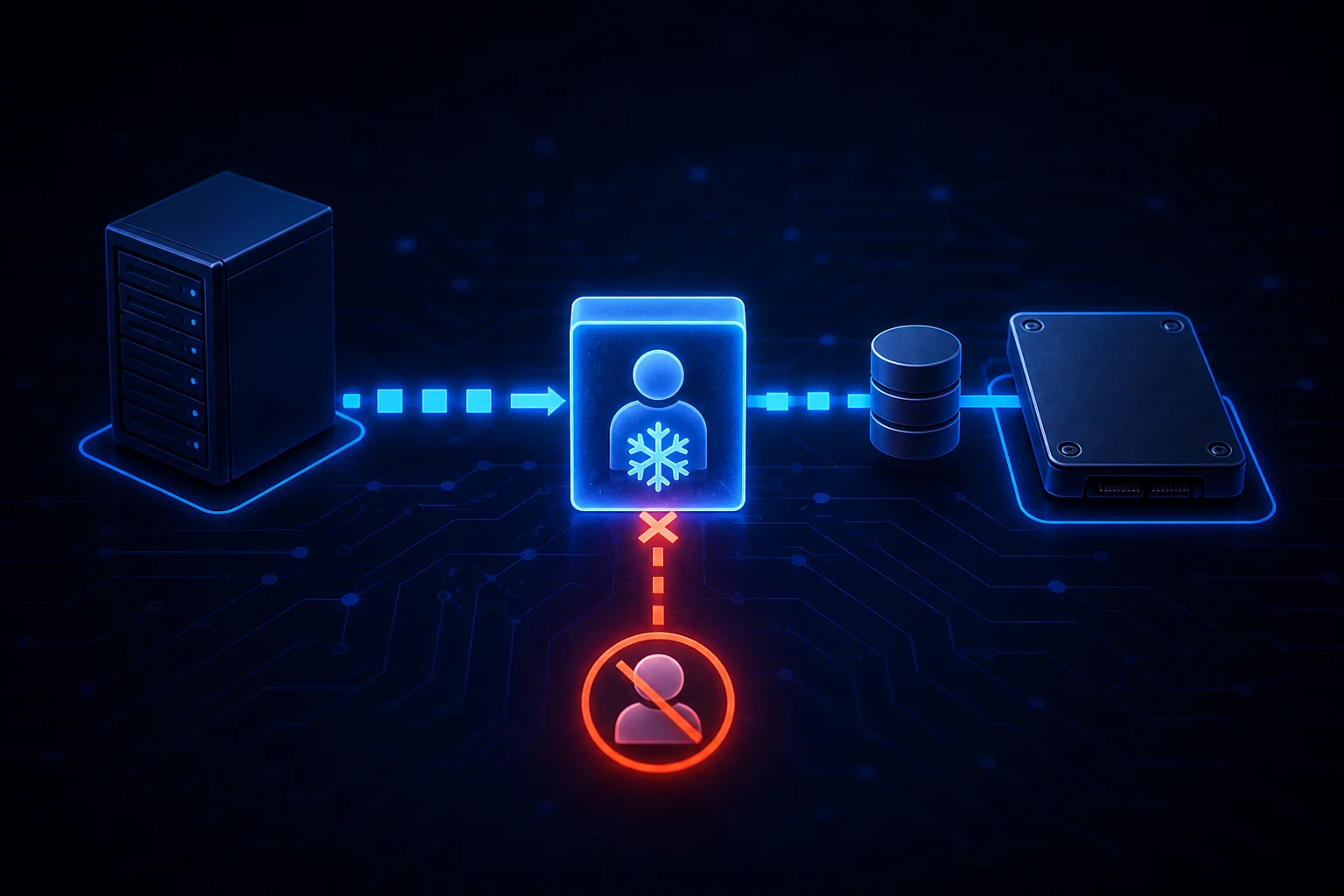
A process that remains visible after kill -9 is not necessarily ignoring SIGKILL. If its state is D, the task is blocked inside an uninterruptible kernel wait. SIGKILL remains pending until the kernel operation returns to a point where the task can process it.
Prove that the task is actually in D-state
ps -eo state,pid,ppid,wchan:32,etime,comm,args | awk '$1 ~ /^D/'D 18422 17201 nfs_wait_bit_killable 00:07:31 cp cp /mnt/archive/a.img /var/tmp/In the process state codes reported by ps, D means uninterruptible sleep, usually I/O. A brief appearance is normal during storage activity. A PID that stays there for minutes, especially while the blocked-task count grows, deserves investigation.
for n in {1..6}; do
  date --iso-8601=seconds
  ps -o pid,ppid,state,wchan:32,etime,comm -p 18422
  sleep 10
done
Read the wait channel before blaming the application
cat /proc/18422/wchan
sudo cat /proc/18422/stack
The wait channel names the kernel function where the task is sleeping. The kernel stack adds context. Names vary across kernel versions, so treat them as routing information rather than a universal error code.
nfs_*orrpc_*: inspect the NFS server, network path and mount policy.io_scheduleor page-wait functions: inspect block-device latency and kernel errors.jbd2_*: look for an ext4 journal waiting on its backing device.- A FUSE-related frame: verify that the userspace filesystem daemon is alive and responsive.
Reading /proc/PID/stack can require root and suitable kernel settings. An empty or denied stack is not proof that the task is healthy.
Correlate the task with kernel events
sudo journalctl -k --since '-15 min' --no-pager
sudo dmesg -T | tail -n 100
Look for NFS “server not responding” messages, SCSI or NVMe timeouts, controller resets, filesystem errors and the kernel’s own “task blocked for more than” reports. Restarting the application service while the dependency is still stalled can create more blocked tasks.
Capture all blocked tasks with SysRq
The Linux Magic SysRq w operation dumps tasks in an uninterruptible blocked state to the kernel log:
echo w | sudo tee /proc/sysrq-trigger
sudo journalctl -k -n 250 --no-pager
This diagnostic action does not kill tasks or reboot the machine. It can produce substantial log output on a badly affected host, so record when and why it was triggered.
Check whether SIGKILL is already pending
sudo kill -KILL 18422
grep -E 'State|SigPnd|ShdPnd' /proc/18422/status
SIGKILL cannot be caught or ignored by userspace, but the task cannot act on it while stuck in the uninterruptible kernel section. Repeating the signal does not make the disk, NFS server or driver answer faster.
Recover the dependency, not just the PID
| Evidence | Investigation | Avoid |
|---|---|---|
| NFS/RPC wait channel | Server reachability, return routing, mount options and server health | Changing every mount to soft without evaluating data integrity |
| Block I/O timeout | Device health, multipath, controller and filesystem logs | Launching additional scans against the failing path |
| FUSE wait | Filesystem daemon, open files and backend dependency | Killing unrelated callers first |
| Unknown kernel frame | Kernel version, full stack and vendor/module evidence | Assuming the process name identifies the root cause |
A reboot may be the only operational recovery when hardware or a kernel path never returns, but collect the process stack and kernel evidence first. Assess whether outstanding writes make an abrupt reboot a data-integrity risk.
Verify that the wait cleared
ps -p 18422 -o pid,state,wchan,etime,comm
ps -eo state,pid,wchan:32,comm | awk '$1 ~ /^D/'
sudo journalctl -k --since '-5 min' --no-pager
If the first command prints only its header, the kernel wait returned and the pending SIGKILL removed the process. If the PID remains but moves to S or R, normal application-level shutdown and debugging are meaningful again. If new tasks enter D-state, follow the shared I/O dependency instead of sending more signals.
References: ps process state codes, /proc/PID/stat and Linux Magic SysRq documentation.
Related Articles

Advanced File and User Management in Linux
Comments (0)
Leave a Comment
Sponsors



Apps

