
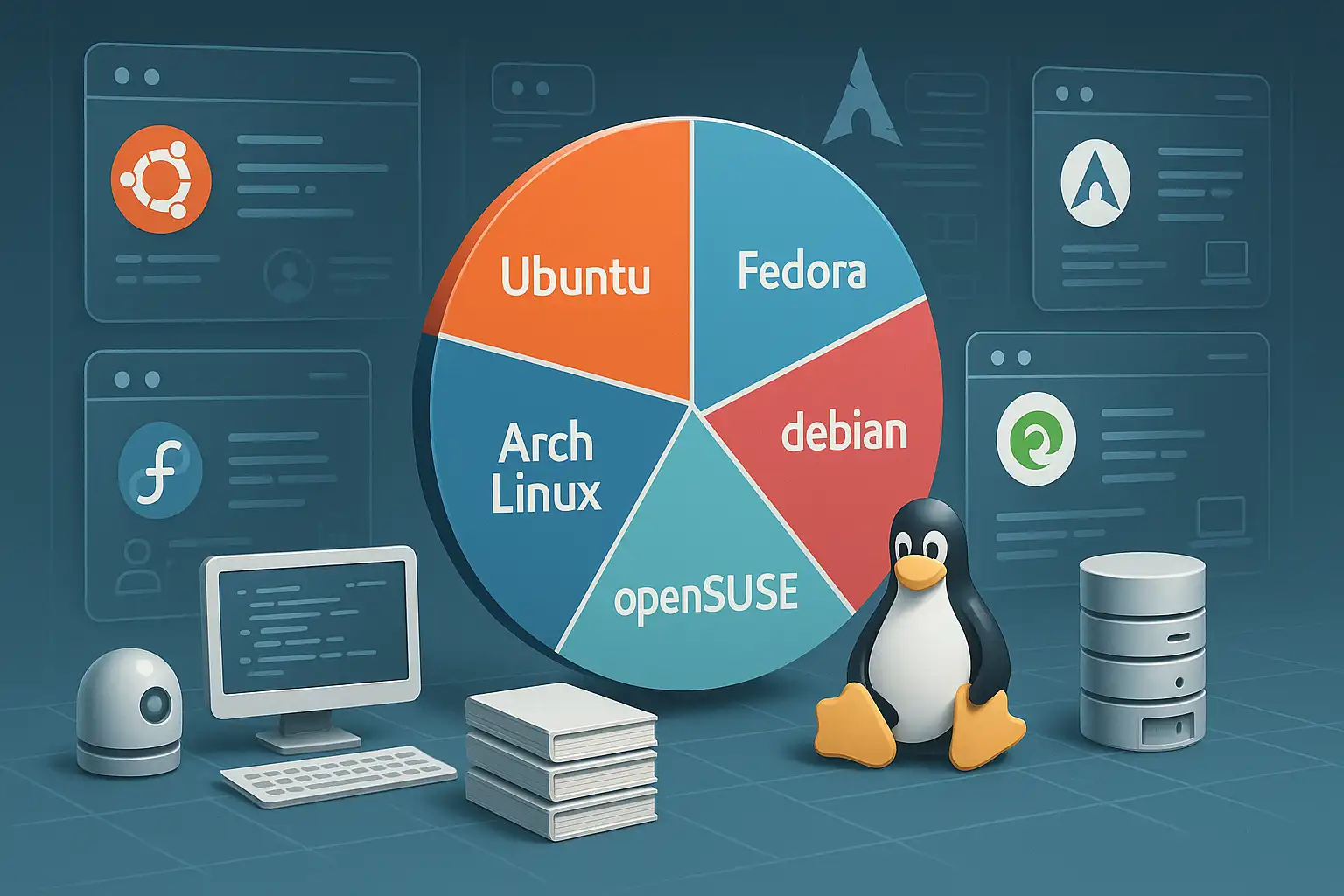
There is no single Linux distribution that is best for every server and desktop. The useful comparison starts with the job: hosting a long-lived service, learning Linux, running a recent developer toolchain or using older hardware all lead to different priorities.
Compare the maintenance model
Check how long the release receives security updates, how upgrades are handled and which packages receive support. An LTS release can suit a service that values a longer maintenance window; a faster release cycle may be a better fit when newer kernels or desktop software matter. Verify the current lifecycle from the distributor before installing a production system. For example, Canonical publishes its current dates in the Ubuntu release-cycle table.
Look at the ecosystem you will operate
Consider package availability, vendor instructions, hardware support and the experience of the people who will maintain the machine. A distribution familiar to your team can be safer operationally than a theoretically leaner system nobody knows how to recover. Check whether the application vendor supports the exact release, not merely “Linux.”
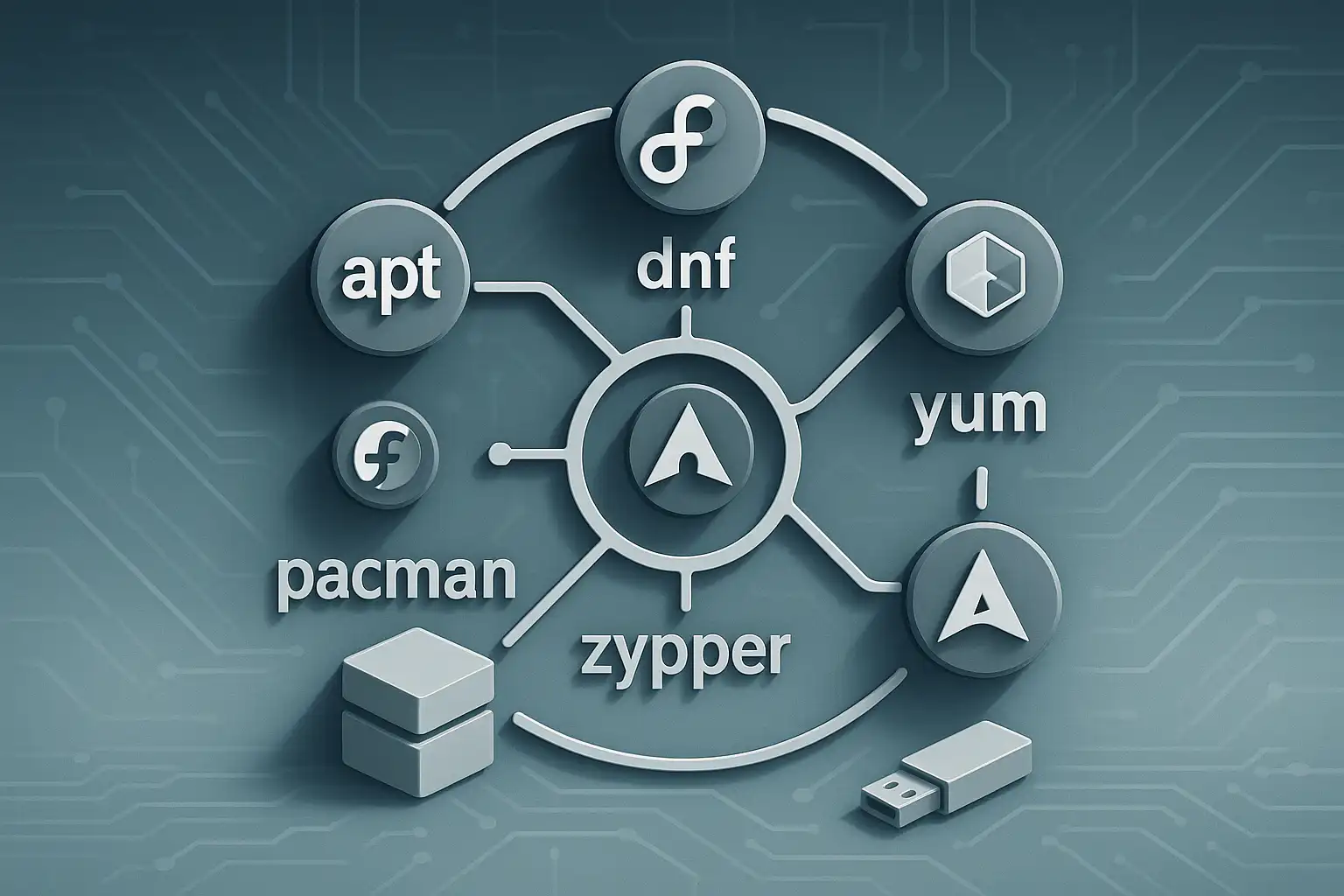
Package formats also affect how desktop applications are installed and updated. A distribution's native repository, Flatpak, Snap and AppImage have different integration and update behavior; compare them in the context of the application and your trust requirements.
Make a small trial representative
Before standardizing, test installation, updates, backup, monitoring and one recovery task on a non-production machine. Record the commands and decisions another administrator would need. For a server, include the real storage and network drivers; for a workstation, include sleep, display and peripheral behavior.
Choose the release you can keep supported and administer consistently. Reassess when the software requirements or support lifecycle change, rather than reinstalling because a new distribution is trending.
Related Articles
Comments (0)
Leave a Comment
Sponsors



Apps

