
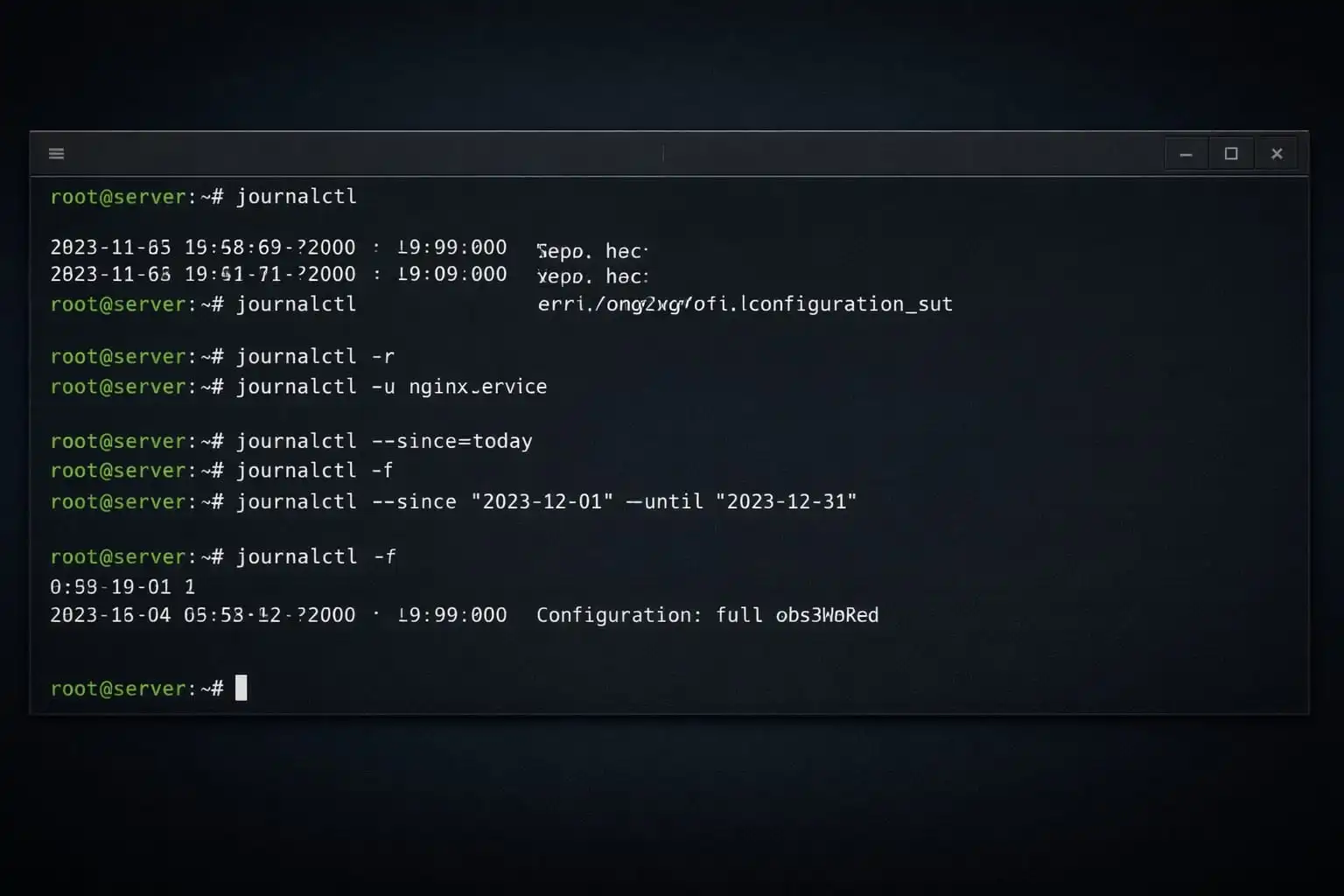
journalctl queries the systemd journal. When a service fails to start, narrow the search by unit, time, and priority instead of reading the entire history. Available records depend on permissions and retention settings; an empty result does not necessarily mean nothing went wrong.
Start with recent entries
journalctl -n 50 --no-pager
journalctl -r
The first command prints the latest 50 entries without a pager. The second puts newer entries first. Press q to exit a pager. If system logs are unavailable to your account, use sudo only when your access policy permits it; do not make journal files publicly readable.
Limit the query to a service and boot
journalctl -u nginx.service -b -n 100 --no-pager
journalctl -u nginx.service -f
Replace nginx.service with the actual unit name. -b selects the current boot and -f follows new entries. Stopping the follower with Ctrl+C does not stop the service. Reading logs does not require a restart; assess any restart as a separate operational action.
Choose a time window
journalctl --since=today --no-pager
journalctl --since "2024-01-01 10:00:00" --until "2024-01-01 10:30:00" --no-pager
The dates are examples. Use the incident's time and check the server's timezone. Even a correct historical time range may return nothing if logs have been rotated or removed.
Understand the priority filter
journalctl -u nginx.service -p err --since=today --no-pager-p err includes err and the more urgent crit, alert, and emerg priorities. Applications do not necessarily log every failure at error priority. If the expected incident is absent, remove the priority filter before widening the unit and time scope.
Why is the previous boot missing?
journalctl --list-boots
journalctl -b -1 -n 100 --no-pager
journalctl --disk-usage
Use -b -1 when records from the previous boot are retained. Volatile storage, retention limits, or cleanup may have removed them. Enabling persistent storage now cannot recover already lost history, so inspect list-boots first. Do not vacuum logs while you still need them for diagnosis.
Read several entries before and after the error within the same service and time window. Remove tokens, email addresses, and personal data before sharing excerpts; avoid publishing a complete journal dump. Reference: the journalctl manual.
Related Articles

Advanced File and User Management in Linux
Comments ()
Leave a Comment
Sponsors



Apps

