
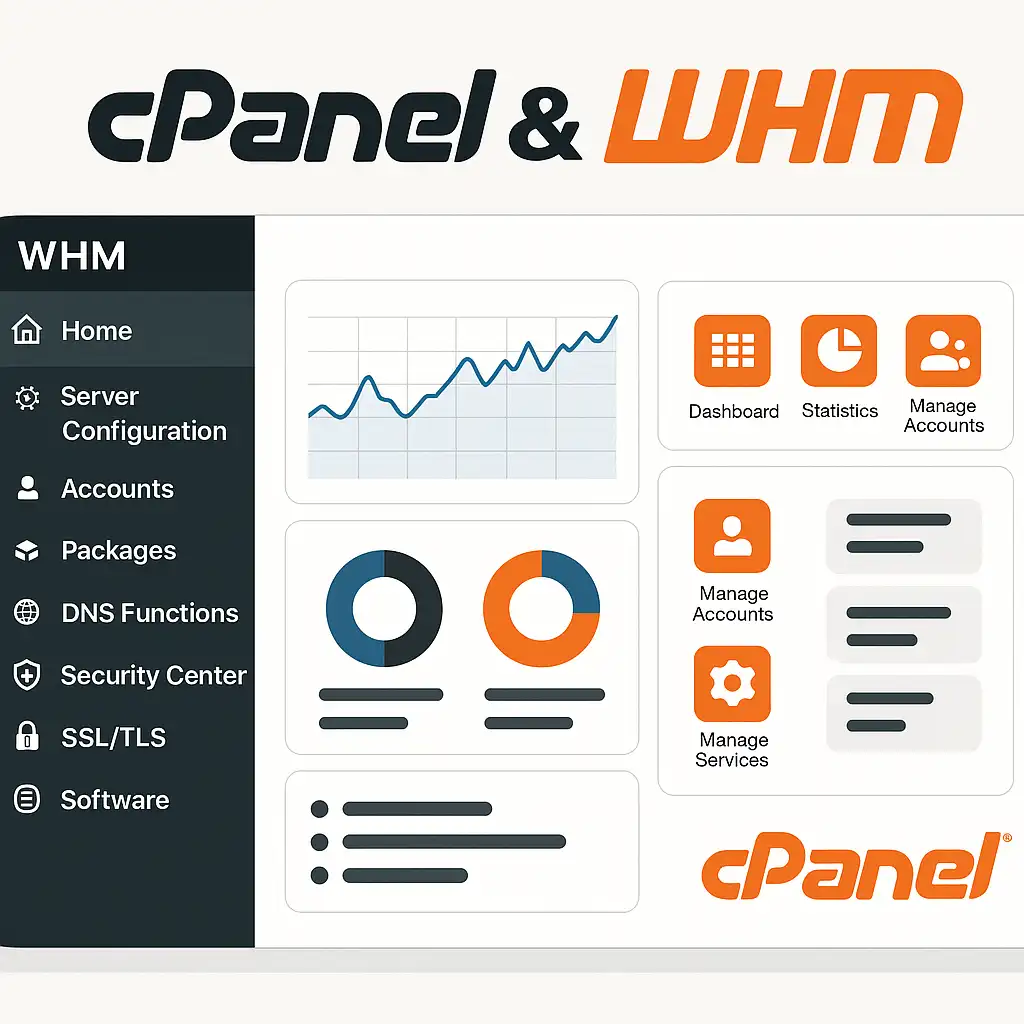
cPanel and WHM are often described together, but they serve different administrative levels. cPanel gives an individual hosting account tools for files, email, databases and application settings. WHM is used by administrators and resellers to manage accounts and broader server configuration.
Where a panel can save time
A control panel can make common hosting tasks discoverable for people who do not want to manage every service from a shell. Account creation, backups, DNS settings and mail administration can be presented through one interface, with permissions that vary by role and hosting plan.
That convenience depends on the provider's configuration. A feature visible in one WHM account may be disabled or limited in another. Before choosing a service, identify which tasks you need to perform yourself and ask which panel capabilities and support are included.
Questions to ask before deployment
- Who applies operating-system and panel updates?
- How are backups stored and how can a restore be requested or tested?
- Which PHP versions and extensions are available for each account?
- How are mail delivery, DNS changes and SSL certificates monitored?
- What access is provided if a panel task requires a server-level change?
Licensing and included functionality can change, so check the current vendor and hosting-provider terms rather than relying on an old price comparison. cPanel does not eliminate the need to monitor the underlying server or secure accounts.
Choose by workflow, not by feature count
For a small site, the panel may reduce routine administration. For infrastructure managed as code or a specialized application stack, direct configuration can fit better. In either case, know where the source of truth lives: an automated deployment can overwrite a manual panel change, while an undocumented server edit can make future panel updates harder to reason about.
Test a representative task such as adding a domain, restoring one file and creating a mailbox before committing a migration. A short hands-on trial tells you more than a checklist of features you may never use.
Related Articles



Comments (0)
Leave a Comment
Sponsors



Apps

