
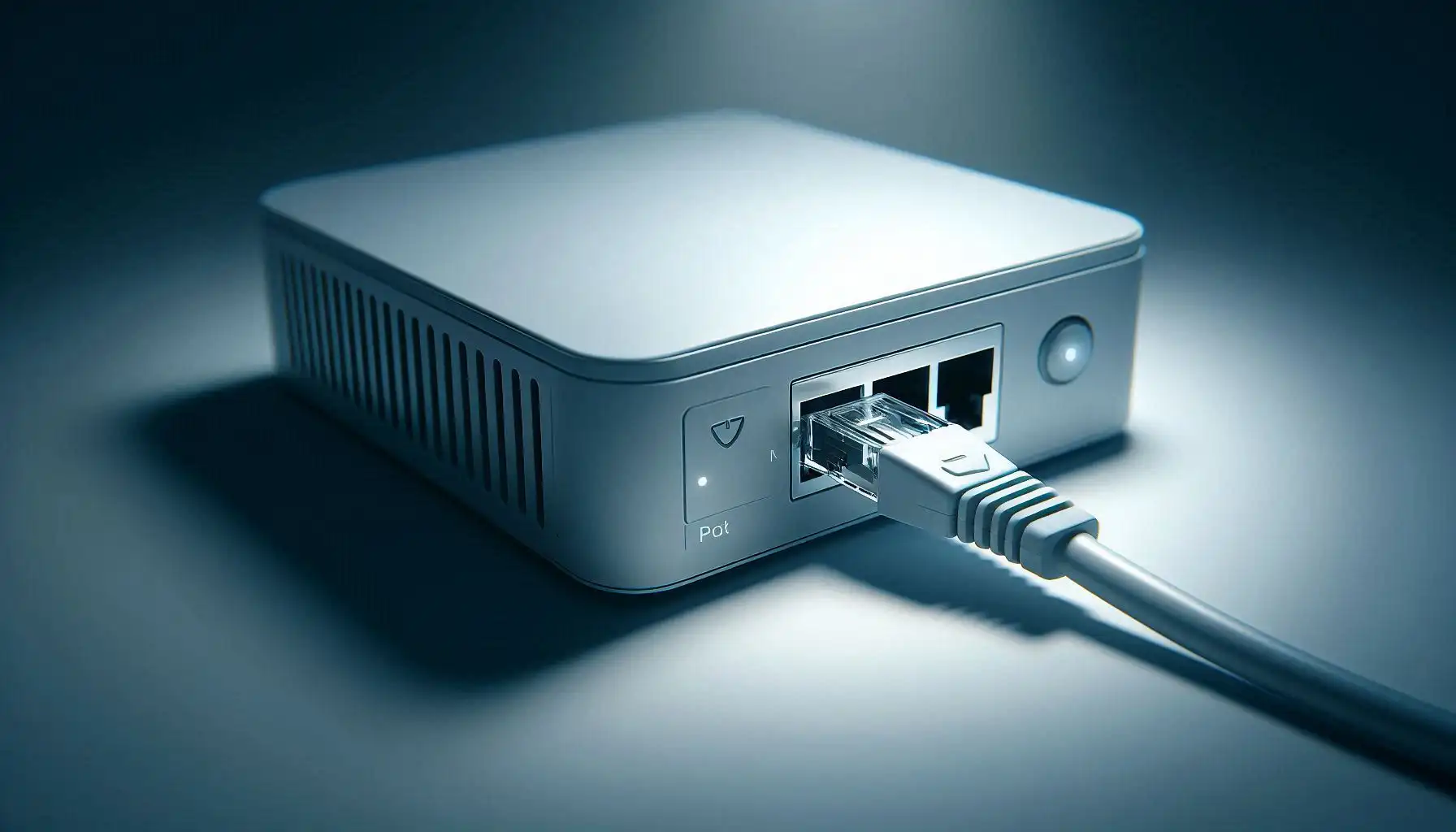
Ethernet is a technology family, not simply the cable plugged into a computer. It covers frame communication and multiple physical media, including twisted-pair copper and fiber. The IEEE 802.3 working group develops Ethernet standards.
A working LAN does not require working Internet service
A computer can communicate with a local printer or file server through a switch without an Internet uplink. Reaching another IP network additionally requires suitable addressing, routing and a gateway. An established Ethernet link does not prove those settings are correct.
Local delivery uses Ethernet frames and MAC addresses. Detecting a damaged frame is not the same as automatically repairing its contents; higher-layer protocols may retransmit. Keep the role of the MAC address separate from IP addressing.
Three different speed numbers
Port capabilities and the physical link determine whether a connection can operate at rates such as 100 Mb/s, 1 Gb/s, 2.5 Gb/s, 5 Gb/s or 10 Gb/s. Both endpoints and the cabling must be suitable. A cable advertised for 10 Gb/s cannot turn a 1 Gb/s port into a 10 Gb/s port.
Application throughput also depends on protocol overhead, storage, CPU and the remote endpoint. Mb/s and MB/s are different units: a byte contains eight bits. An Internet subscription speed, a negotiated link rate and a file-copy rate should not be treated as interchangeable measurements.
Inspect state before changing settings
In Windows PowerShell:
Get-NetAdapter | Select-Object Name, Status, LinkSpeedOn Linux with iproute2 and ethtool installed, substitute your actual interface:
ip -br link
ethtool enp1s0
Where supported, inspect Speed, Duplex and Link detected. Virtual or some USB interfaces may expose incomplete information. Administrative UP state is not identical to a usable carrier; the Linux operational-state documentation explains that distinction.
If a supposedly gigabit connection negotiates at 100 Mb/s, check the cable, terminations, both ports' capabilities and their configuration. Do not force random speed/duplex settings on one side; compare the endpoints before changing negotiation behavior.
Wired is not a universal performance or security guarantee
Ethernet removes some variables associated with a shared radio medium, but an old wired port can still be slower than a capable wireless connection. A cable does not automatically encrypt traffic either. Access controls and protections such as HTTPS remain relevant.
Use a controlled transfer test between authorized local devices to evaluate throughput, but do not call it cable certification. Identify which component limits the transfer before replacing equipment. For the difference between category capability and measured performance, see the Cat5e, Cat6 and Cat6A comparison.
Related Articles


Comments ()
Leave a Comment
Sponsors



Apps

