
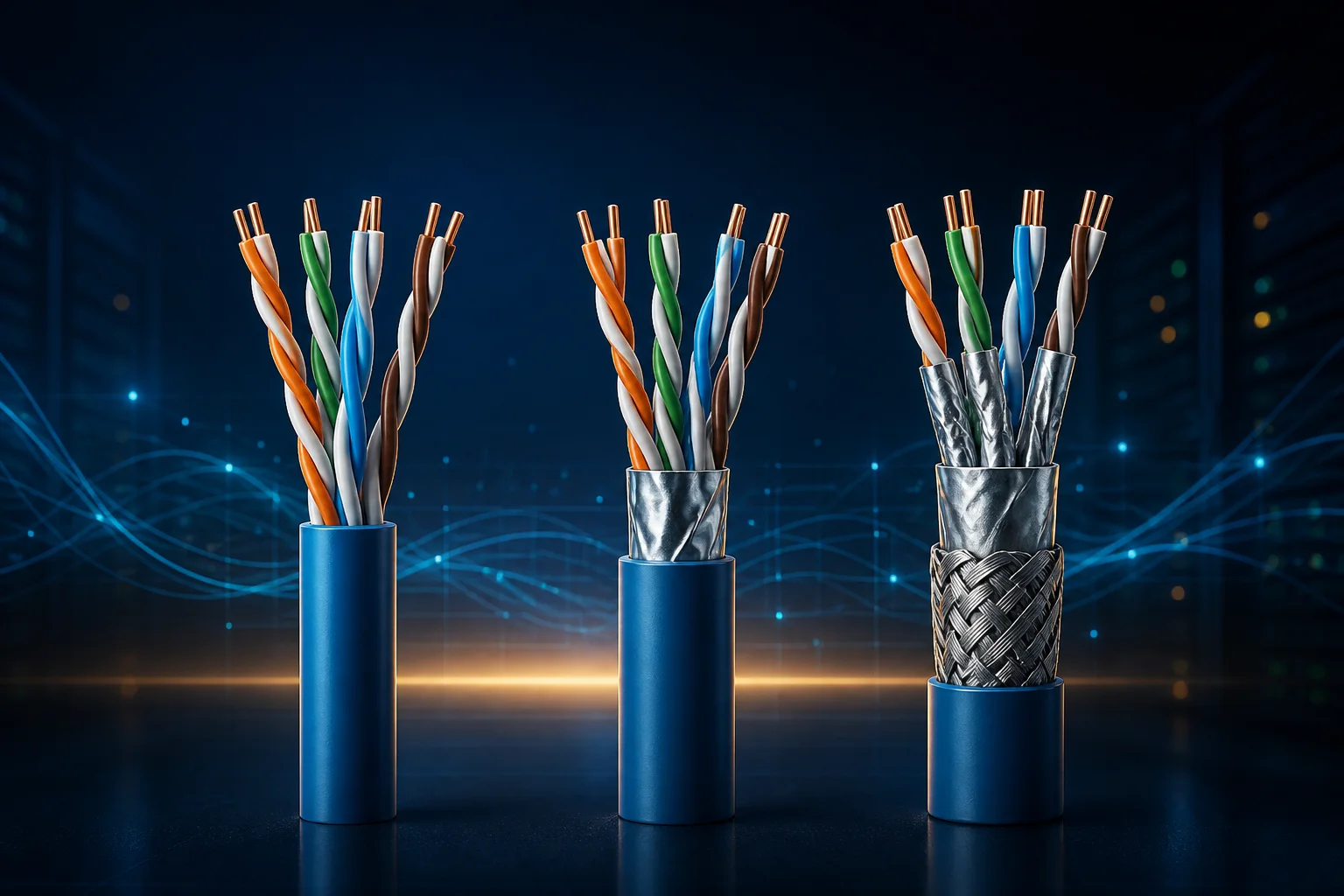
When comparing Cat5e, Cat6 and Cat6A, separate cabling performance, negotiated Ethernet rate and measured application throughput. A higher category label does not upgrade the switch port or Internet subscription. Distance, target rate, installation conditions and testing determine whether the channel meets the requirement.
Read the category table as a channel specification
| Category | Specified frequency upper limit | Common channel target |
|---|---|---|
| Cat5e | 100 MHz | 1000BASE-T over 100 m |
| Cat6 | 250 MHz | 1000BASE-T over 100 m; shorter, conditional 10GBASE-T reach |
| Cat6A | 500 MHz | 10GBASE-T over 100 m |
MHz is not application throughput in Mb/s. A channel includes relevant connecting hardware and patch cords, not just the cable inside the wall. The distances assume suitable installation and environmental conditions. CommScope's Cat6A overview provides a category and distance comparison.
Existing Cat6 needs assessment for 10 gigabit
Whether an installed Cat6 channel supports 10GBASE-T depends on length, terminations and interference from adjacent cables, among other conditions. One short patch lead establishing a link does not establish the performance of every long, bundled run. For a 100-metre 10GBASE-T channel, Cat6A is the appropriate design baseline; the endpoints must support that rate too.
Temperature and bundling can affect losses. Check the manufacturer's installation constraints rather than treating a maximum distance on a label as unconditional. Belden discusses distance and temperature effects.
Terminations and materials are part of the channel
Evaluate the permanent cable, patch panel, outlets and patch cords together. Excessive pair untwisting, poor termination or unsuitable component combinations can undermine the category claim. Shielding is not automatically better in every environment; continuity and an appropriate bonding/grounding design matter.
CCA means copper-clad aluminum, not solid copper. Resistance and heating deserve particular attention when the link also carries power. Fluke Networks' CCA note discusses category-compliance concerns. Request a material declaration and relevant test evidence rather than relying on an ambiguous label.
Use three different kinds of verification
- Check conductor mapping and continuity; a basic tester does not certify category performance.
- Read negotiated port rates and interface error counters.
- Measure local application throughput, and obtain appropriate certification measurements for critical cabling.
With iperf3 installed on two authorized hosts, substitute the receiver's actual local IP and start a one-off server:
iperf3 -s -1 -B 192.168.1.20From the other host, during an approved test window:
iperf3 -c 192.168.1.20 -t 10The address is illustrative. Testing can load the link; restrict TCP 5201 access to the intended client. If no client connects, the server can remain waiting; stop it with Ctrl+C. As described in the iperf3 documentation, this is a throughput test, not cable certification. Low throughput also calls for checking CPU, port and competing-traffic limits.
Considering Cat7 or Cat8?
A higher category number does not automatically increase endpoint speed. The Cat7 guide separates Class F requirements from RJ45 product claims, while the Cat8 guide covers short channels, interface compatibility and the 30-metre limit.
Related Articles


Comments ()
Leave a Comment
Sponsors



Apps

