
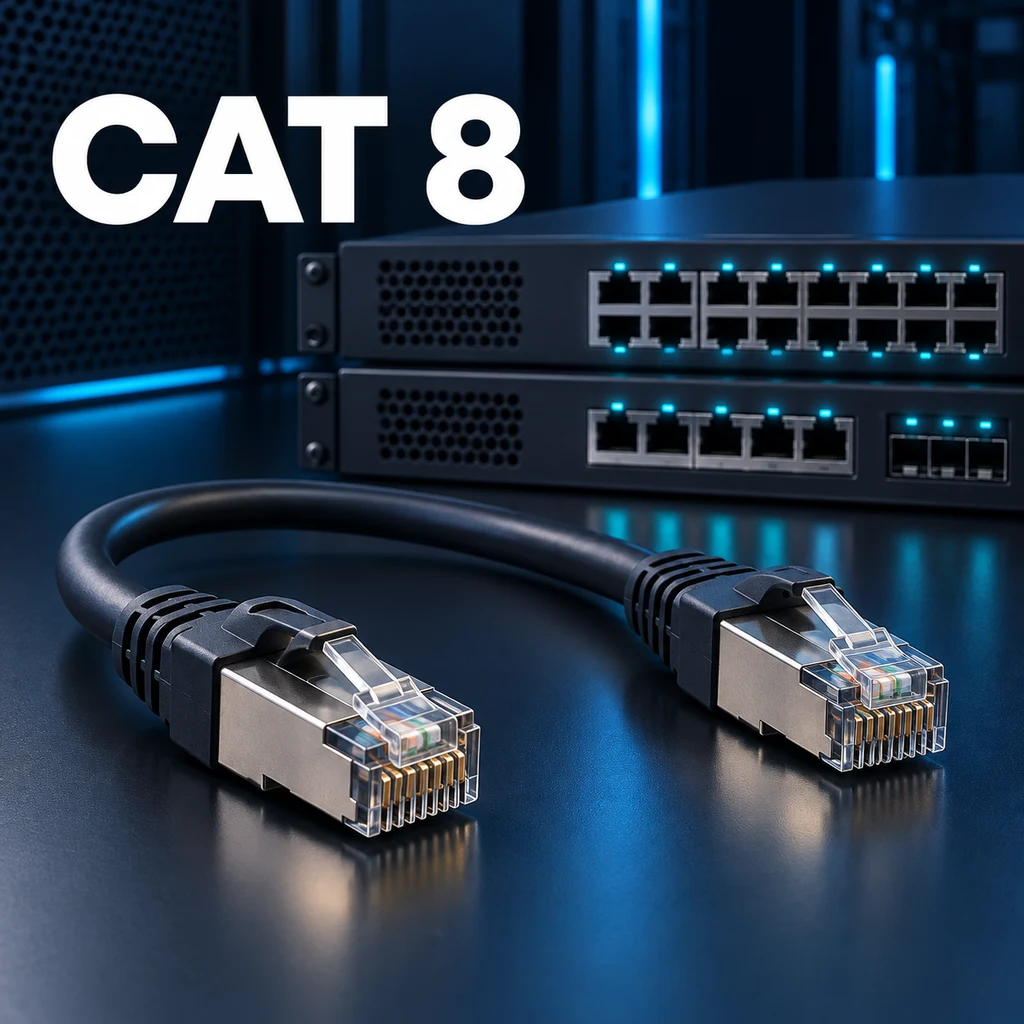
A 40 Gbit/s claim on a Cat8 cable does not give your router or computer a 40 Gbit/s port. Cat8 addresses high-rate Ethernet over short copper channels with suitable equipment. Before choosing it, identify the Ethernet interfaces at both ends, the total channel length and the throughput your application actually needs.
Read the rate and distance together
TIA Category 8 is shielded cabling specified up to 2000 MHz. For 25GBASE-T and 40GBASE-T, the standard channel model is limited to 30 metres with two connections. The channel includes patch cords, not just the cable inside a wall. CommScope's explanation of the Cat8 standard sets out these limits.
Do not plan a 30-metre installed run and then add arbitrary lengths of patch cord. Equally, the limit does not mean all Ethernet communication stops beyond 30 metres. Supporting a different rate over a longer channel is a separate application and qualification question; it does not extend the 40 Gbit/s claim automatically.
Check which Cat8 interface you are buying
TIA Cat8 and ISO/IEC Cat8.1/Class I use RJ45 interfaces. ISO/IEC Cat8.2/Class II includes different connection technology, such as GG45 or TERA. The word Cat8 alone is therefore not enough to establish physical compatibility. R&M's technical comparison separates the component categories, channel classes and connectors.
An RJ45 cord is not a direct substitute for a DAC assembly plugged into SFP28 or QSFP ports. A device advertising 25G or 40G still requires an interface check: copper BASE-T and pluggable optical or direct-attach interfaces are not the same thing. Confirm the supported connection in the device documentation before ordering cabling.
Will it improve home Internet or gaming latency?
If both ports are gigabit, a healthy Cat8 link still operates within that common endpoint limit. Changing the cable category does not change your Internet service, the remote server or congestion elsewhere in the path. A lower gaming ping or faster download is not guaranteed by replacing an already working cord with Cat8.
Replacing a damaged or poorly terminated cable can certainly solve a connection problem. However, that does not establish that Cat8 itself caused the improvement. Compare against another known-good cord suitable for the intended rate before attributing the repair to a higher category.
Write a small acceptance checklist
- Name the target application: 10GBASE-T and 40GBASE-T do not have identical requirements.
- Include the installed run and patch cords at both ends in the channel length.
- Check the compatibility of outlets, panels and plugs; one labelled component does not certify the channel.
- Follow the manufacturer's shielding and termination instructions, and request appropriate certification results when required.
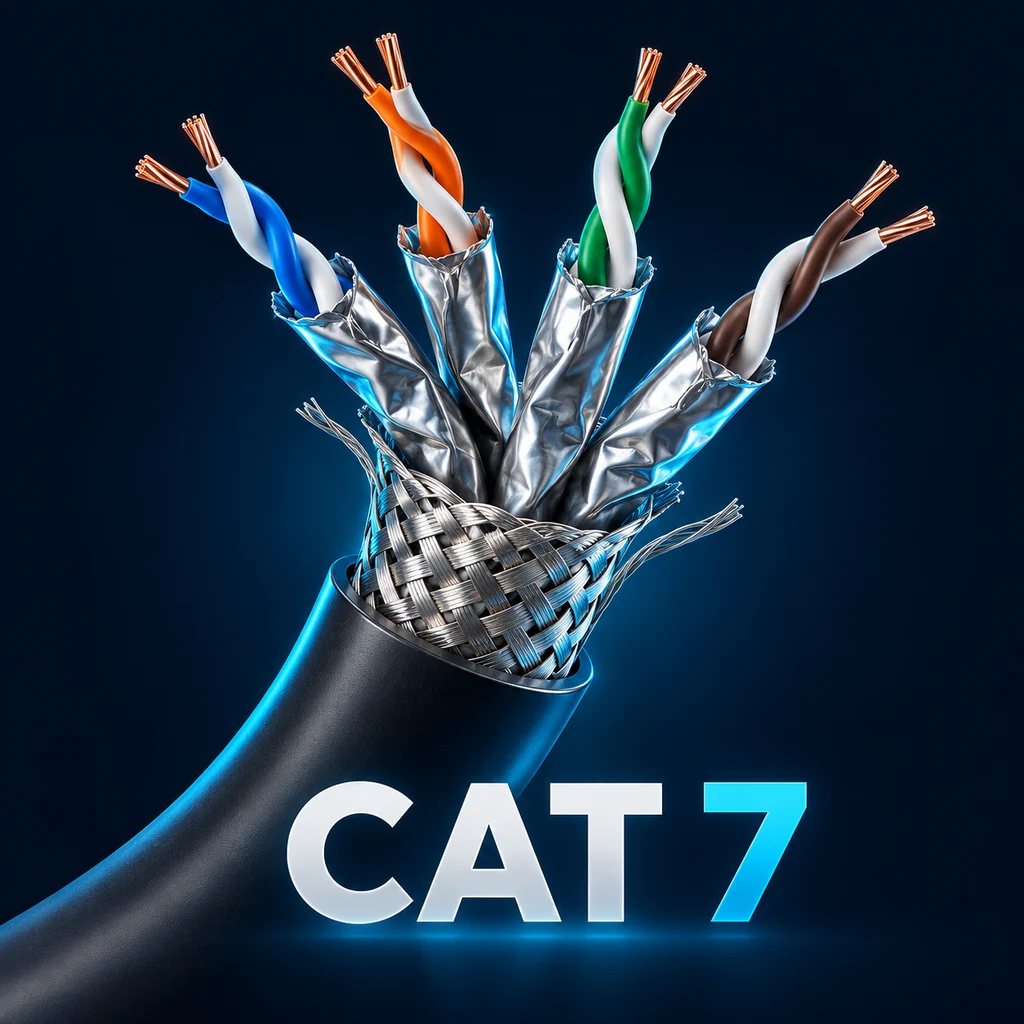
An Internet speed test cannot establish whether a channel meets 40GBASE-T requirements. Local application throughput testing and cabling certification answer different questions. For an existing home or office installation, start with the requirements in the Cat5e, Cat6 and Cat6A guide. If a Cat7 product is another candidate, check its standard and termination claims separately.
Related Articles


Comments ()
Leave a Comment
Sponsors



Apps

