
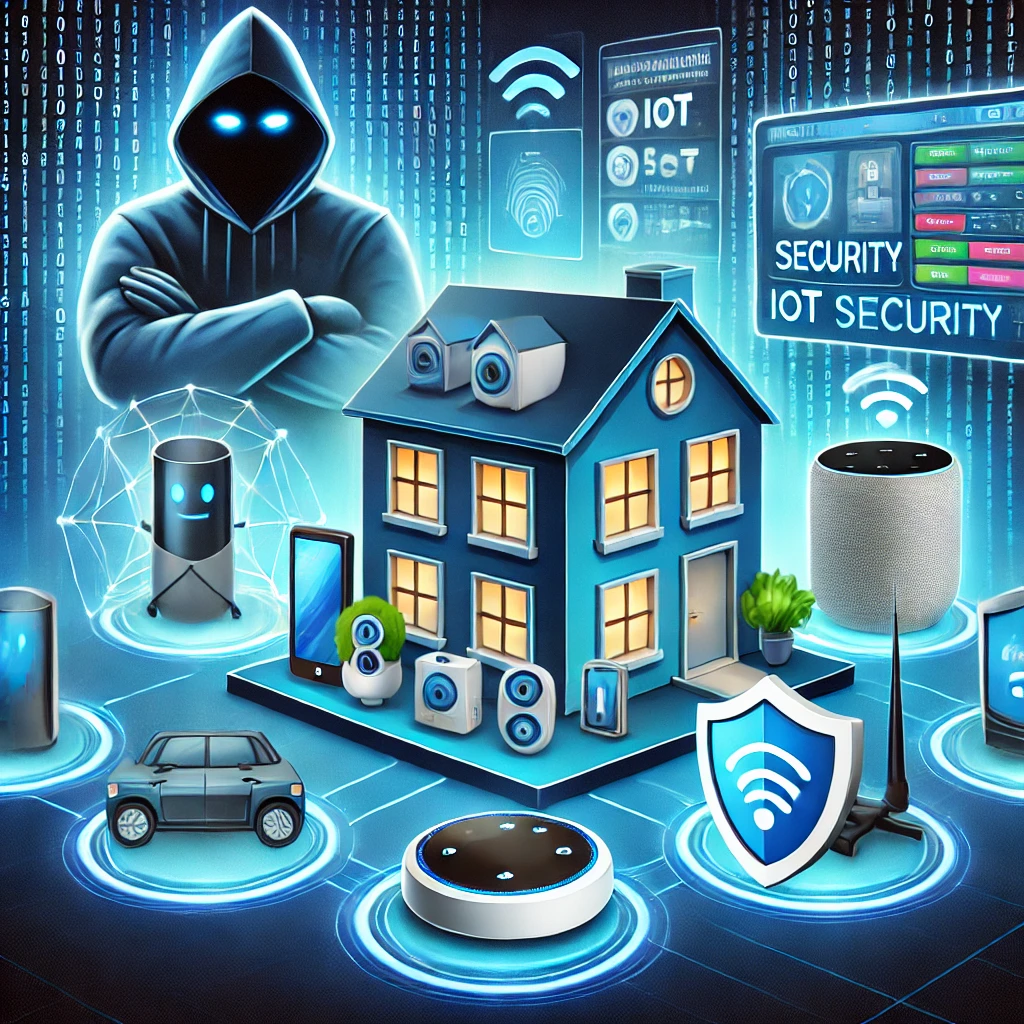
A camera, smart plug and television may share your Wi-Fi while receiving updates from completely different companies. Protecting them starts with knowing which devices you own, which accounts control them and whether their manufacturers still maintain them.
Make a short inventory
For each device, record its model, firmware version, management app and support status. Include the router: it is the boundary for many of the other devices. Check the manufacturer's update policy before buying another device, especially one that records video or controls access to your home.
Install updates using the vendor's documented process and enable automatic security updates where supported. If a device has a shared or default administrator password, replace it with a unique one. Devices differ, so do not assume every model has the same factory credentials. The NCSC's home smart-device guidance is a useful baseline for updates and account setup.
Protect the cloud account as well as the device
A camera with current firmware can still be exposed through a compromised vendor account. Use a unique password and MFA when available. Review invited household members and old phones with access. Remove invitations that are no longer needed instead of sharing one login indefinitely.
Check recording retention, microphone settings and remote viewing permissions. Decide which features you need before accepting every optional connection. For cameras, consider what remains visible if an account is compromised, not just whether the app works.
Separate networks only when the separation is real
A second Wi-Fi name does not by itself prove that devices are isolated. A guest network or VLAN is useful only with the relevant access controls. Test whether a device on that network can reach computers or management interfaces that should be protected.
Also test intended functions after the change: a phone may need to discover a speaker, or a camera may need to reach a recorder. Allow the required paths deliberately rather than removing all restrictions when discovery stops working. Keep the router's administration interface away from untrusted devices.
Review remote access and retirement
Avoid exposing a device's web interface directly to the internet through an unnecessary port-forwarding rule. Review existing router rules and vendor remote-access options. If you need remote access, choose a supported method and understand which account protects it.
Before selling or recycling a device, remove it from the vendor account, revoke shared access and follow its factory-reset procedure. Check whether recordings or data remain in the cloud or on removable storage. Keep a note of devices whose support has ended so that a forgotten smart plug does not become a permanent exception on your network.
Related Articles

Comments (0)
Leave a Comment
Sponsors



Apps

