
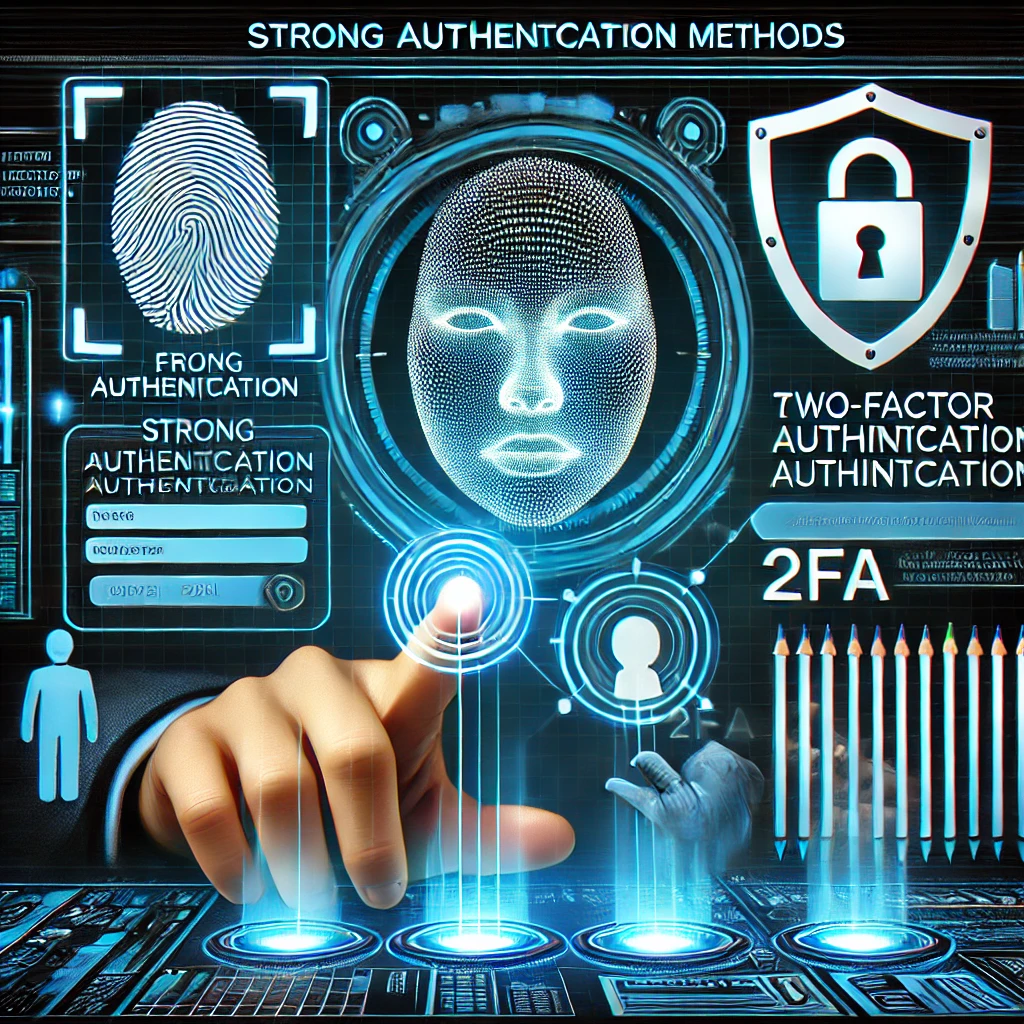
A long password helps against guessing, but it does not stop someone from persuading you to type it into a convincing fake login page. Account protection needs both a suitable sign-in method and a recovery process that does not quietly undo it.
Start with the accounts that unlock other accounts
Your primary email, password manager and administrator accounts deserve attention first. Check their recovery addresses, registered devices and active sessions. Remove access you no longer recognize through the service's legitimate account settings, and investigate unexpected changes rather than only choosing another password.
Where passwords are required, use a unique generated password for each service and store it in a trusted password manager. Protect the manager and the device that unlocks it. Reusing a strong password still lets a breach at one service threaten the others.
Not every second step offers the same protection
Two passwords are not two independent authentication factors. MFA combines different factor types, or uses an authenticator that securely incorporates them. A code from an authenticator app is generally preferable to relying only on a password, but a phishing site can relay a one-time code while it remains valid.
SMS adds protection over password-only access but brings risks such as number takeover and phishing. If it is the only available additional method, do not disable it merely because stronger choices exist elsewhere. Plan an upgrade when the service supports one.
FIDO-based passkeys and security keys can provide phishing-resistant authentication by binding the sign-in to the intended service. NIST explains the distinction in its phishing-resistance overview. That does not protect every part of a session: malware on a signed-in device or a weak recovery procedure remains a concern.
Understand what the fingerprint unlocks
In a typical passkey flow, your fingerprint, face or device PIN authorizes use of a cryptographic credential on the device. It is not simply another password sent to every website. Whether credentials are device-bound or synchronized affects how you recover access after losing a device; check the provider's model before relying on it.
Practice recovery before you need it
Register a supported backup method and store recovery codes separately from the device they are meant to replace. Test a second sign-in route while you still have the first one. For a small team, document who can recover an administrator account and how that person's identity will be checked. Keep emergency access restricted and review it after staff changes.
A useful first task today is to secure the email account that receives your other password-reset messages. Then work through the remaining accounts by the damage a takeover could cause, not by how often you open their apps.
Related Articles



Comments (0)
Leave a Comment
Sponsors



Apps

