
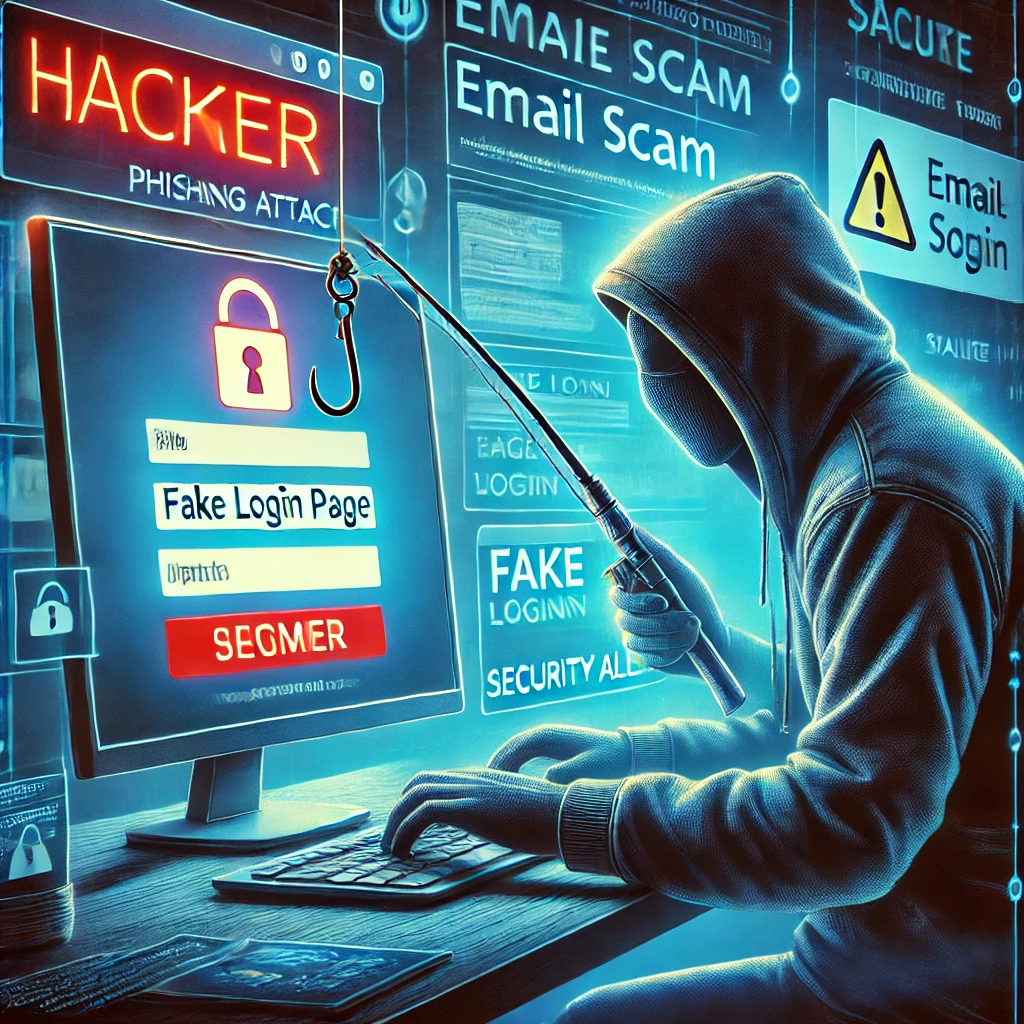
An email says your account will be closed unless you sign in immediately. A text claims a delivery needs a small payment. A caller asks you to approve a login prompt to fix a security problem. The stories differ, but the request is similar: act on instructions supplied by someone whose identity you have not established.
Phishing uses impersonation to obtain information, access or actions such as a payment. It can arrive through email, text messages, chat, voice calls or QR codes. A targeted message may mention your employer, a colleague or an actual project; personal details do not make the request genuine.
Look at what the message wants you to do
Requests for passwords, verification codes, unexpected attachments or changed payment details deserve an independent check. A display name and familiar logo are easy to reproduce. Good spelling is not proof of authenticity either.
Instead of following the message's link, open the service through a saved bookmark or its known app. Verify an unusual payment request with a contact method you already have, not the telephone number supplied in that request. The FTC’s phishing guidance recommends contacting the organisation through a known website or number when a message is suspicious.
A convincing page can still be the wrong page
Inspect the actual hostname, not just the logo or words elsewhere in the URL. In the fictional address accounts.example.net.login.example.org, the host is under example.org, not example.net. A lookalike name can be even harder to notice on a small screen.
HTTPS protects the connection to the site you reached; it does not prove that site belongs to the company it imitates. Do not use the presence of HTTPS as your only phishing check. NIST’s phishing resources cover deceptive messages and stronger organisational defences.
Use stronger sign-in methods where supported
Enable MFA, but understand that not every method resists phishing in the same way. A user can be tricked into giving away an SMS or one-time app code. FIDO2-based passkeys and security keys bind authentication to the intended service and provide phishing resistance. Microsoft's authentication-strength documentation distinguishes these methods from ordinary MFA options.
A password manager can also make it easier to use unique passwords and notice when a familiar login is on an unfamiliar domain. Keep account recovery details secure, since a weak recovery route can undermine a strong login method.
If you already interacted with the message
Match the response to what happened. Merely receiving a message is different from entering credentials, granting application consent or running a downloaded file.
- If you entered a password, open the real service through a trusted route and change it. Change any other accounts using that password.
- Use the service's account-security controls to review and revoke suspicious sessions, unfamiliar recovery methods and application permissions.
- If you opened a potentially malicious file on a work device, contact your IT or security team promptly and follow its containment process.
- If a payment or financial information was involved, contact the institution through its established support channel.
Do not assume a password change instantly ends every active session. Revocation behaviour depends on the service and application; Microsoft’s emergency access-revocation guidance illustrates those differences.
Report the original message through your organisation's reporting channel or the mail service's phishing-report option. Include when you received it and what you did, without forwarding it to colleagues as a live link to investigate. Clear reporting helps the response team find related messages and protect other accounts.
Related Articles



Comments (0)
Leave a Comment
Sponsors



Apps

