
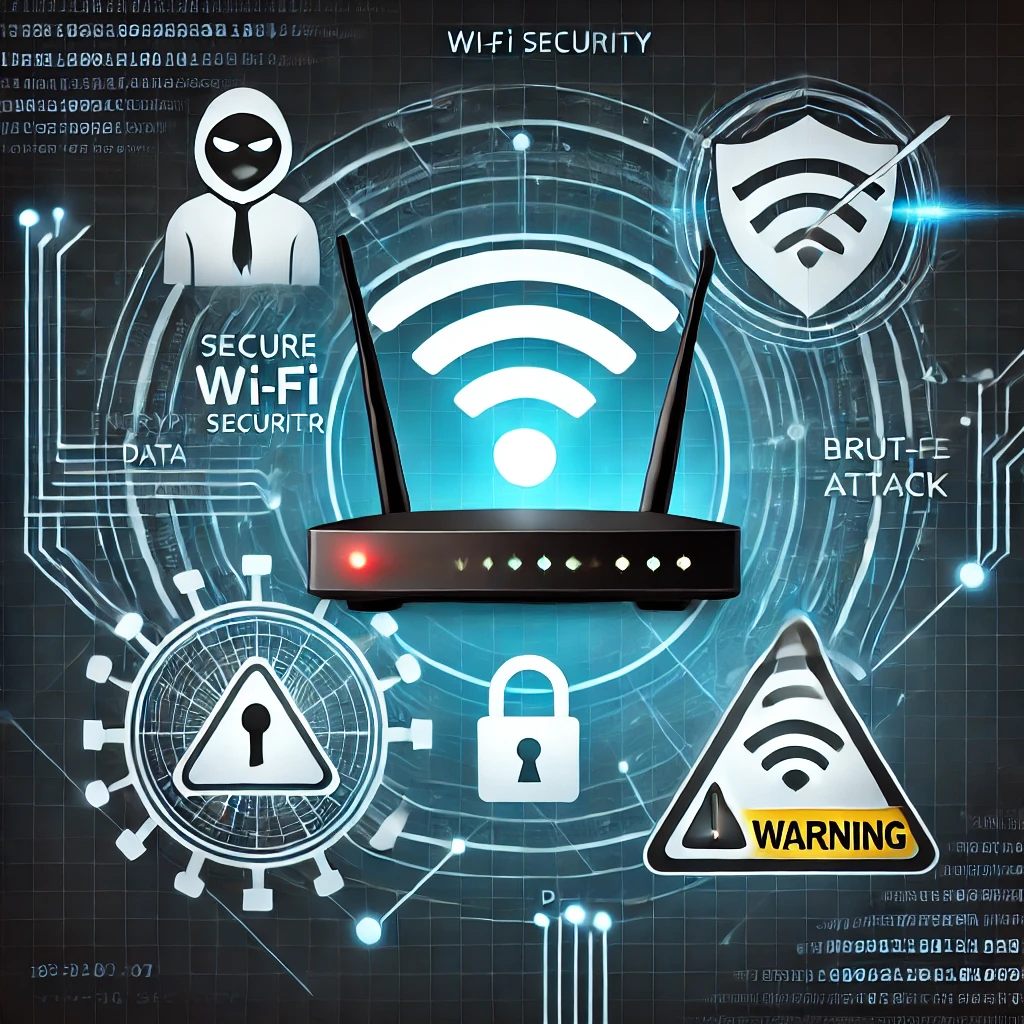
Wi-Fi security depends on the router, the wireless encryption setting and the devices that join the network. A hidden network name or a changed SSID is not a substitute for strong authentication and current firmware.
Secure the router first
Replace the router's administrator password and update its firmware through the manufacturer's supported process. Disable remote administration and services you do not use. Review who can manage the router and how its configuration can be restored.
Choose a supported wireless mode
Use WPA3-Personal when all important devices support it, or WPA2-AES where compatibility requires it. Avoid obsolete WEP and legacy mixed modes when possible. Use a long unique Wi-Fi passphrase, and disable WPS if it is not needed and the router provides that option.
Keep a separate guest network for visitors or lower-trust devices when the router supports it. Verify that isolation actually prevents access to the primary LAN; a separate SSID alone does not guarantee separation.
Review connected devices
Check the router's client list for devices you recognize and remove stale access where appropriate. Keep computers, phones and smart devices updated. Use a separate network for IoT devices only if you have tested the required connections to phones, hubs and printers.
Do not treat MAC filtering as strong identity protection; addresses can be observed and changed. If an unfamiliar device appears, change the Wi-Fi credential through the router's trusted admin path and reconnect known devices. CISA's wireless-network guidance covers router and encryption basics.
Revisit the settings after replacing the router or adding a mesh system, because the new device may introduce its own administration and update path.
Related Articles



Comments (0)
Leave a Comment
Sponsors



Apps

