
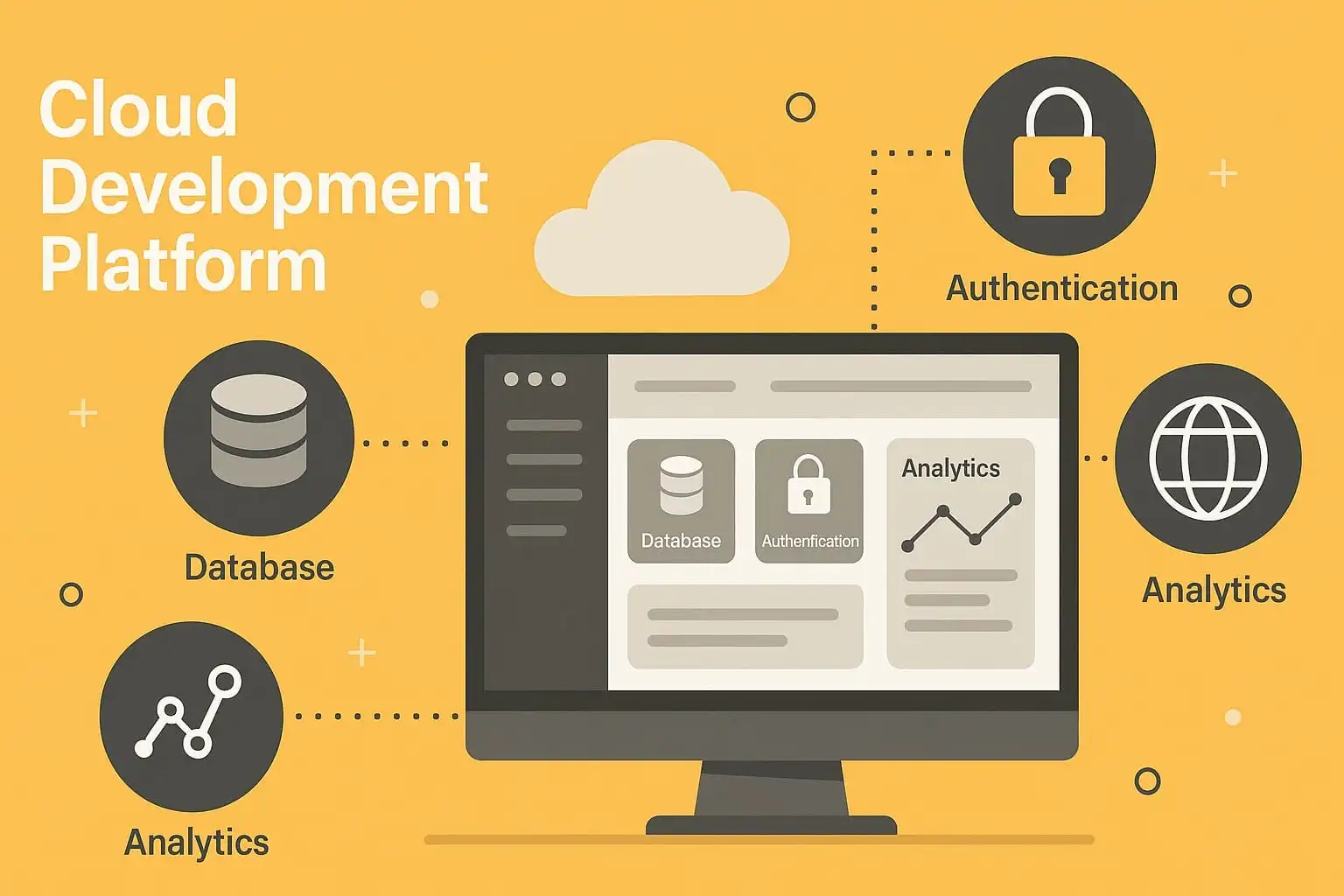
Firebase provides managed services that can help a team build an application without operating every backend component itself. Depending on the product, a project may use authentication, databases, hosting, storage, analytics or serverless functions. The combination can shorten an initial build, but each service still needs an owner and an operating plan.
Check the data and access model first
For client-accessible databases and storage, define Security Rules before deploying real data. Firebase's documentation warns that permissive test rules can leave data open; use its Security Rules guidance and test rules with the emulator. Server SDKs may use a different authorization path through cloud IAM, so client rules alone do not cover every access route.
Understand the operational tradeoffs
Review service limits, billing dimensions, regional availability, export options and backup behavior for the exact Firebase products selected. Pricing and plan terms change, so check the current official pricing and quotas before committing. Usage-based services need budgets and alerts; a small prototype can behave differently after a traffic spike.
Consider whether the application depends on Firebase-specific query behavior, authentication tokens or event triggers. Document how data would be exported and how the service would be replaced if requirements change.
Try a representative workflow
Build one end-to-end path with authentication, read/write permissions, a database backup and a deployment rollback. Test denied access as well as successful access. Confirm which operations happen in the browser and which require trusted server code.
Firebase can be a reasonable fit when managed infrastructure saves more effort than its constraints cost. The decision should follow the product's data model, team skills, security requirements and expected operating pattern, not the promise that a backend can be configured without ongoing work.
Related Articles



Comments (0)
Leave a Comment
Sponsors



Apps

