
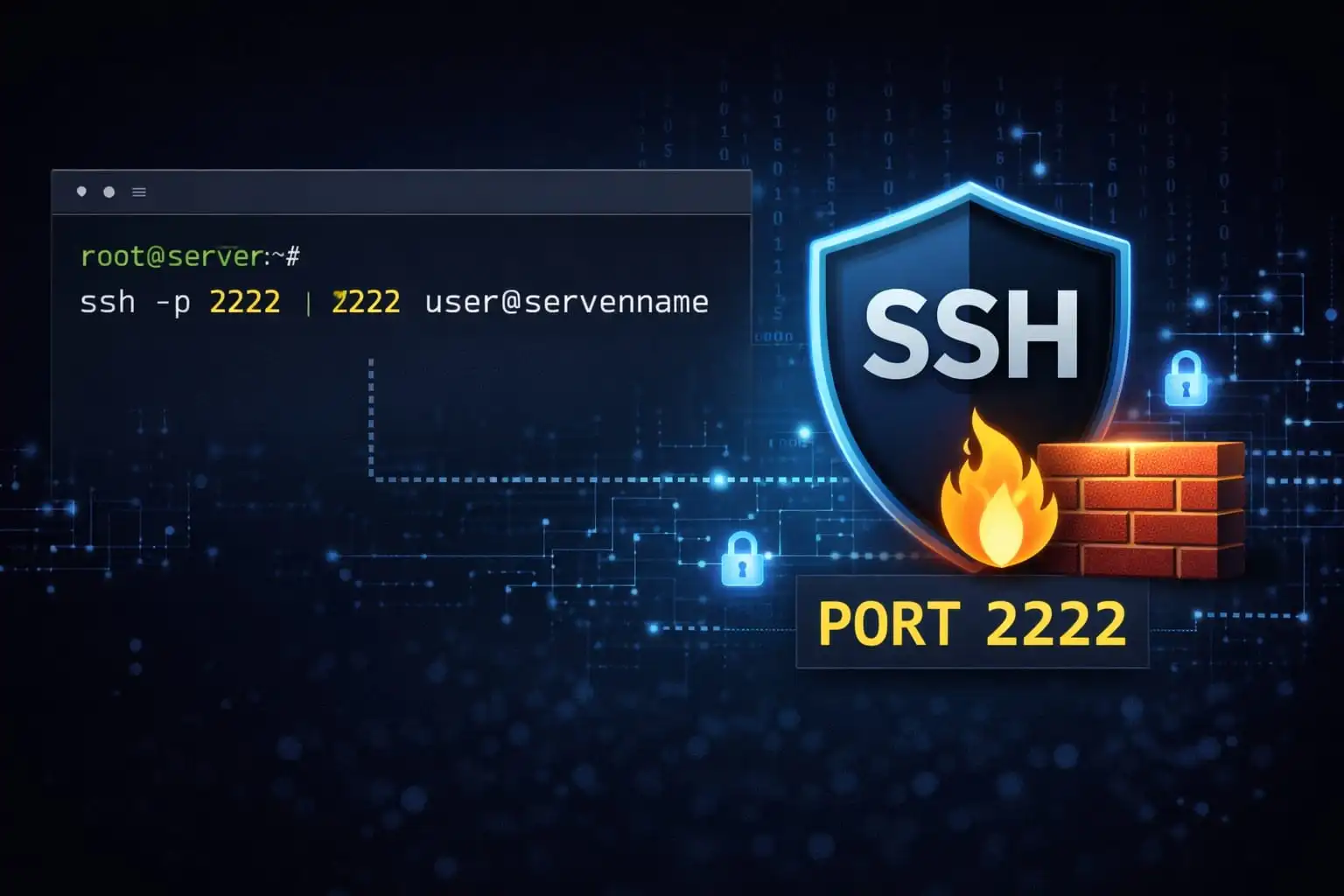
Moving SSH from its default port can reduce routine connection attempts in logs. It does not make the service invisible, and it does not stop a targeted scan from finding the new listener. Treat a port change as an operational choice, not a primary security control.
What changes with another port
Automated scans often try familiar ports. A non-default port may reduce this background noise and make logs easier to review. However, anyone probing the host can discover a listening port, and weak credentials or exposed keys remain a problem regardless of the number.
Plan every layer before changing it
Update the SSH daemon configuration and the host firewall, provider firewall and any network ACL that applies. Confirm the service actually listens on the selected port and that the port is permitted by your network policy. Consider IPv4 and IPv6 paths and any security tooling that expects the standard port.
Keep the current session open and use a console or recovery route. Validate the SSH configuration before reloading, then test a separate new connection from the intended client. Update automation and administrator connection instructions before closing the old path.
Keep the controls that matter
Use named accounts, strong key protection or supported MFA, least privilege and limited source networks. Monitor successful logins as well as failed attempts. Rate-limiting and log review are more useful when they are not confused by a port change.
If log noise is the only issue, adjust monitoring filters carefully rather than hiding events that could indicate a real access attempt. The decision to change the port should fit the team's operations and firewall design.
Related Articles



Comments (0)
Leave a Comment
Sponsors



Apps

