
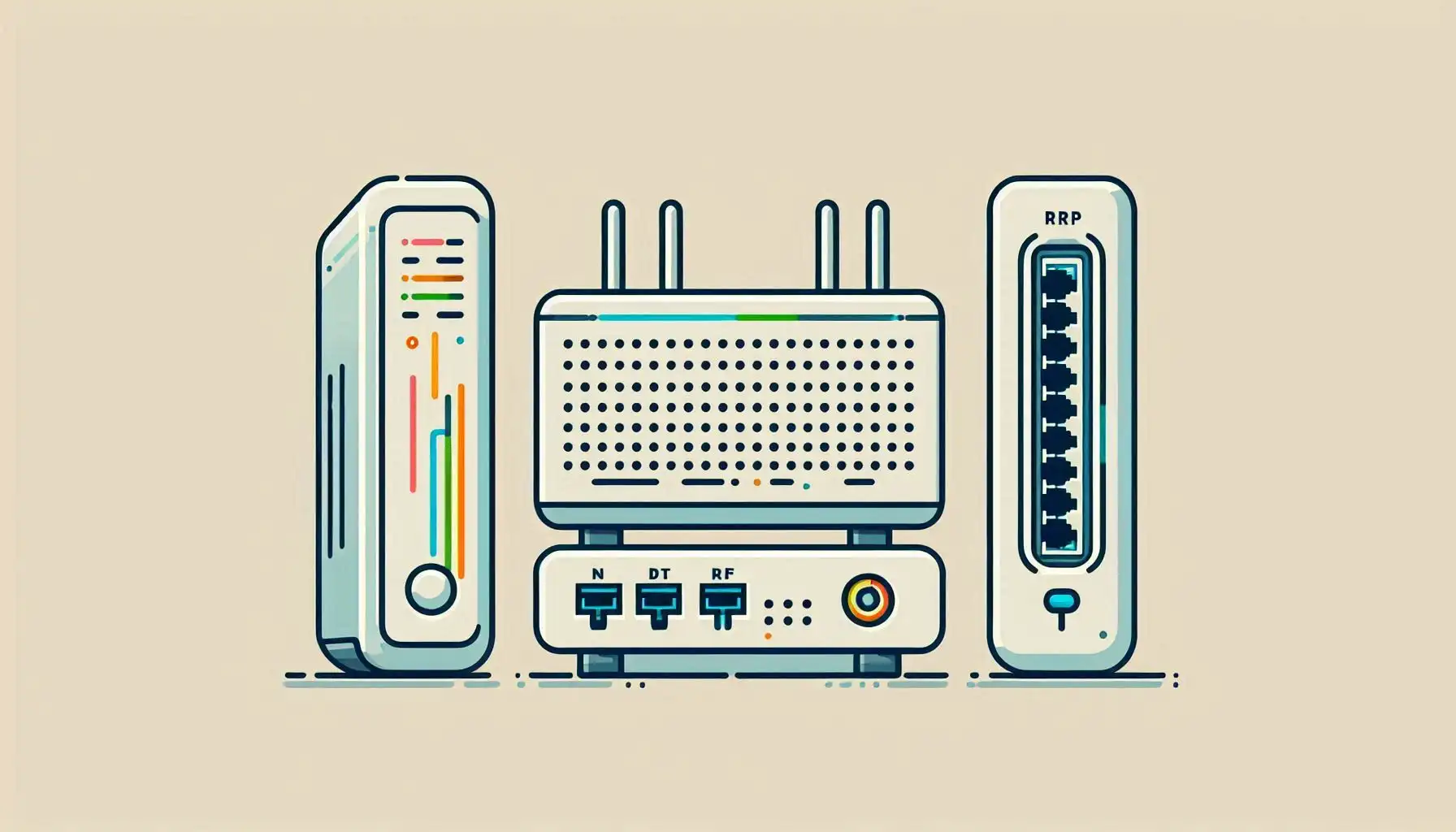
The box called a “modem” at home often combines several functions: access-line termination, routing, Ethernet switching and wireless access. Separating those jobs makes troubleshooting easier. Your printer can remain reachable on the LAN even when the Internet connection has failed.
Start at the provider-facing connection
A DSL or cable modem handles the corresponding access technology. Fiber installations commonly use an optical network terminal, or ONT. An ONT is not technically the same device as a DSL modem, even when both are casually described as the Internet box. Compatibility and provider provisioning can matter; matching an Ethernet connector is not enough to establish compatibility with the access line. Verizon's fiber service documentation illustrates the ONT's optical conversion role.
A router forwards IP packets between networks. Sharing a home Internet connection is one use, not its entire definition. A router can connect private networks without any Internet service. NAT, firewalling and DHCP are often bundled into home routers but are separate functions. Cisco's switch and router comparison describes the basic distinction.
What the switch and access point add
A Layer 2 switch forwards Ethernet frames within a LAN or VLAN using its MAC-address table. Unknown destinations and broadcast traffic may be forwarded to multiple eligible ports, so “always sends only to the destination port” is too absolute. A Layer 3 switch can also route IP traffic when supported and configured. The product name alone does not determine every capability.
An access point connects wireless clients to the local network. Broadcasting a Wi-Fi name does not prove that the Internet uplink, addressing or DNS is working. A wireless router bundles these roles; a standalone access point does not necessarily perform routing.
Provider connection
  → Modem or ONT
    → Router
      → Switch → Wired computers
               → Access point → Wi-Fi clients
This diagram separates roles, not necessarily physical boxes. An integrated gateway can contain a router, a small switch and an access point in one enclosure.
Match the missing function to the problem
| Requirement | Function to investigate |
|---|---|
| More wired ports on the same LAN | Switching with suitable port speeds |
| Wireless coverage in another room | Access point placement and backhaul |
| Communication between IP networks | Routing, possibly on a Layer 3 switch |
| Connection to a DSL, cable or fiber line | Compatible modem or ONT and provider provisioning |
Putting one router behind another can create double NAT in an IPv4 installation. That can complicate inbound connections and port forwarding, but it does not explain every connectivity problem. Before selecting bridge or access point mode, save provider settings, confirm how management access will work and plan a rollback. Do not factory-reset a remotely managed gateway as a first diagnostic step.
Test the boundaries separately
Check power and link state first, then the client's IP address and gateway. Local device communication, gateway reachability and access to an outside destination are separate observations. A functioning local printer with failing websites does not automatically implicate the switch. If IP connectivity works but names do not resolve, investigate DNS before replacing hardware.
Related Articles



Comments ()
Leave a Comment
Sponsors



Apps

