
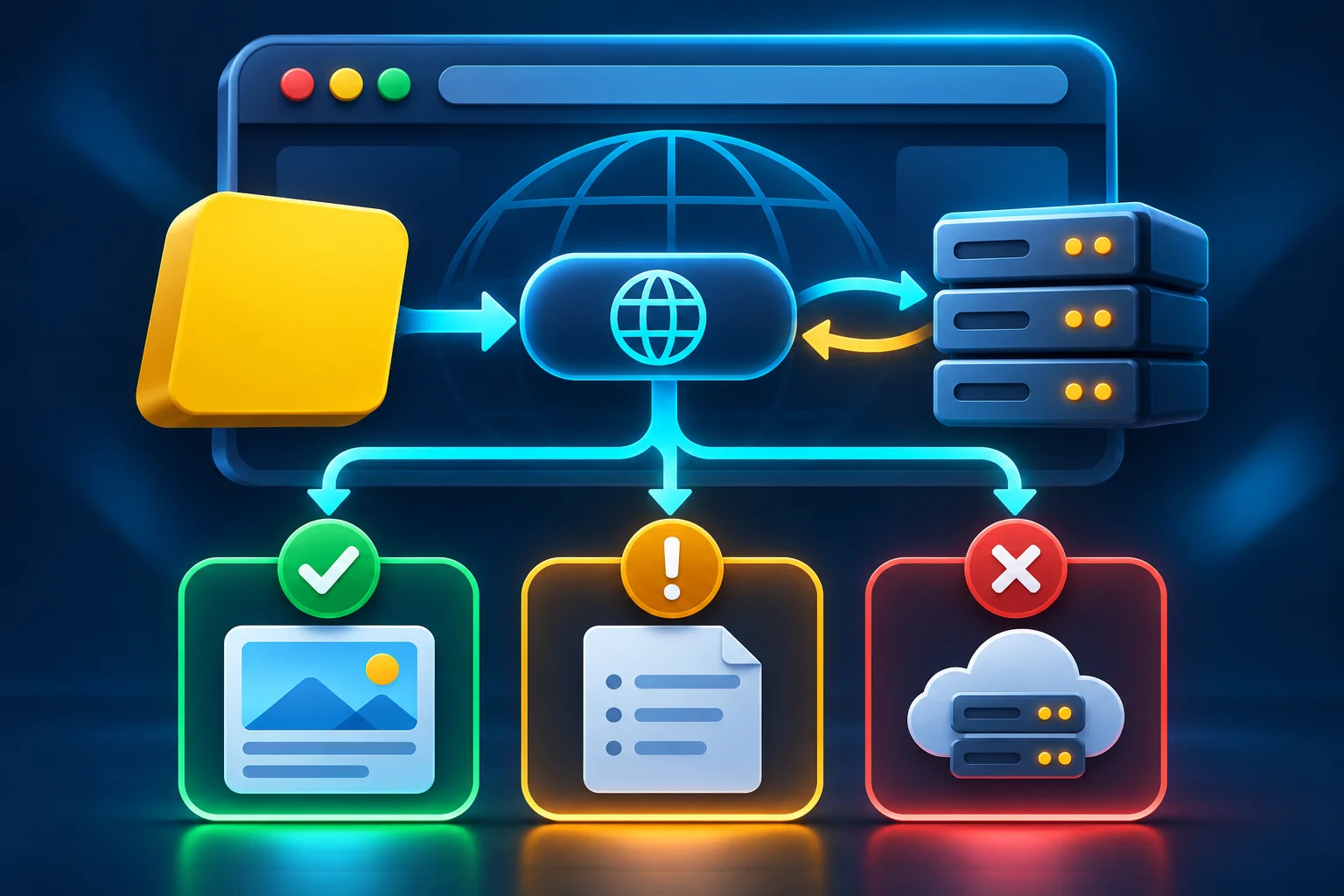
The network panel shows 404, but your catch block never runs. When the server supplies an HTTP response, fetch() gives your code that response. Check response.ok to decide whether it represents success. Fetch Standard
Check HTTP status before reading the body
This function expects a JSON API. response.ok covers HTTP status codes 200 through 299. If the API returns 204 with no body, the function returns null.
async function loadJson(url, signal) {
  const response = await fetch(url, { signal });
  if (!response.ok) {
    const error = new Error('HTTP ' + response.status);
    error.status = response.status;
    throw error;
  }
  if (response.status === 204) return null;
  return response.json();
}
For example, call await loadJson('/api/products'). If you're refreshing a product list and the request fails, you can keep the last successful list visible and tell the user that the refresh did not finish.
Where did the request fail?
- HTTP 404 or 500. The error created by this function carries a
statusproperty. Use the API contract to distinguish a missing record from a server failure. - No usable response. Connectivity failures or browser access rules can reject
fetch(). Inspect the browser network panel and console to investigate. - Body decoding failed.
response.json()is a separate step. An HTML login page returned with status 200 can cause a JSON parsing error. Inspect its content type and any redirects.
For cancellable requests, pass a signal from an AbortController. When starting a new search cancels an earlier request, handle that cancellation quietly. Use the status code and the operation's context to decide what message to show.
Related Articles



Recommended Tools for Web Development
Comments (0)
Leave a Comment
Sponsors



Apps